Add & Commit Changes
Add Changes
Objective
Select modified files and place them into the staging area before committing.
Steps
- Modify one or more files in the project.
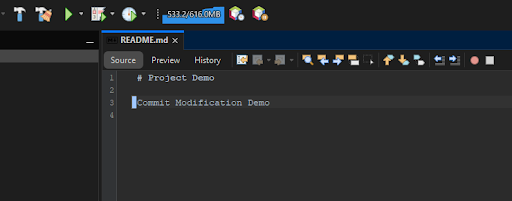
- Right-click the project or file.
- Select: Git → Add

- Click the Add button.
Commit Changes
Objective
Save local changes to the local Git repository.
Steps
- Modify one or more files in the project.
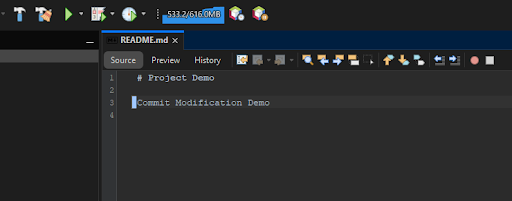
- Right‑click the project or file.
- Select: Git → Commit

- The Commit dialog window opens.
- Review the list of modified files.
- Enter a commit message in the Commit Message field.
- Click the Commit button.
